Free
Product Creator
New products written from their photos and translated into every store language.
Coming soon on the Shopify App Store
For stores with thousands of product shots spread across folders, phones and Shopify. Every photo and video lands in one library, tagged and linked to its product, ready to search and reuse.
From€19 / month · Coming soon on the Shopify App Store
The problem
Product shots live in shared drives, photographers' links, phones and Shopify, named IMG_4821. Finding the model photo of one ring means scrolling folders or asking whoever shot it. Alt text is left empty, the same image gets uploaded twice, and usage rights are remembered by nobody until a campaign needs them.
How it solves it
Your Shopify product images are imported and kept in step as products change. Photographers and creators get an upload link, so their shots arrive with their name, usage rights and the products they show already attached.
Opvelo looks at every photo and records the shot type, background, colours, subject and a description. It writes alt text in your store's language and adds it to the matching image in Shopify.
Type what you need, like a model shot of a gold ring on a grey background, and the library ranks photos by what is actually in them. Filter by product, collection, creator or tag, or search with a similar image.
A duplicate scan groups near-identical photos for you to merge or dismiss. White-background and marketplace versions are made from the original without redrawing the product, and you choose which images get published to Shopify.
Media library
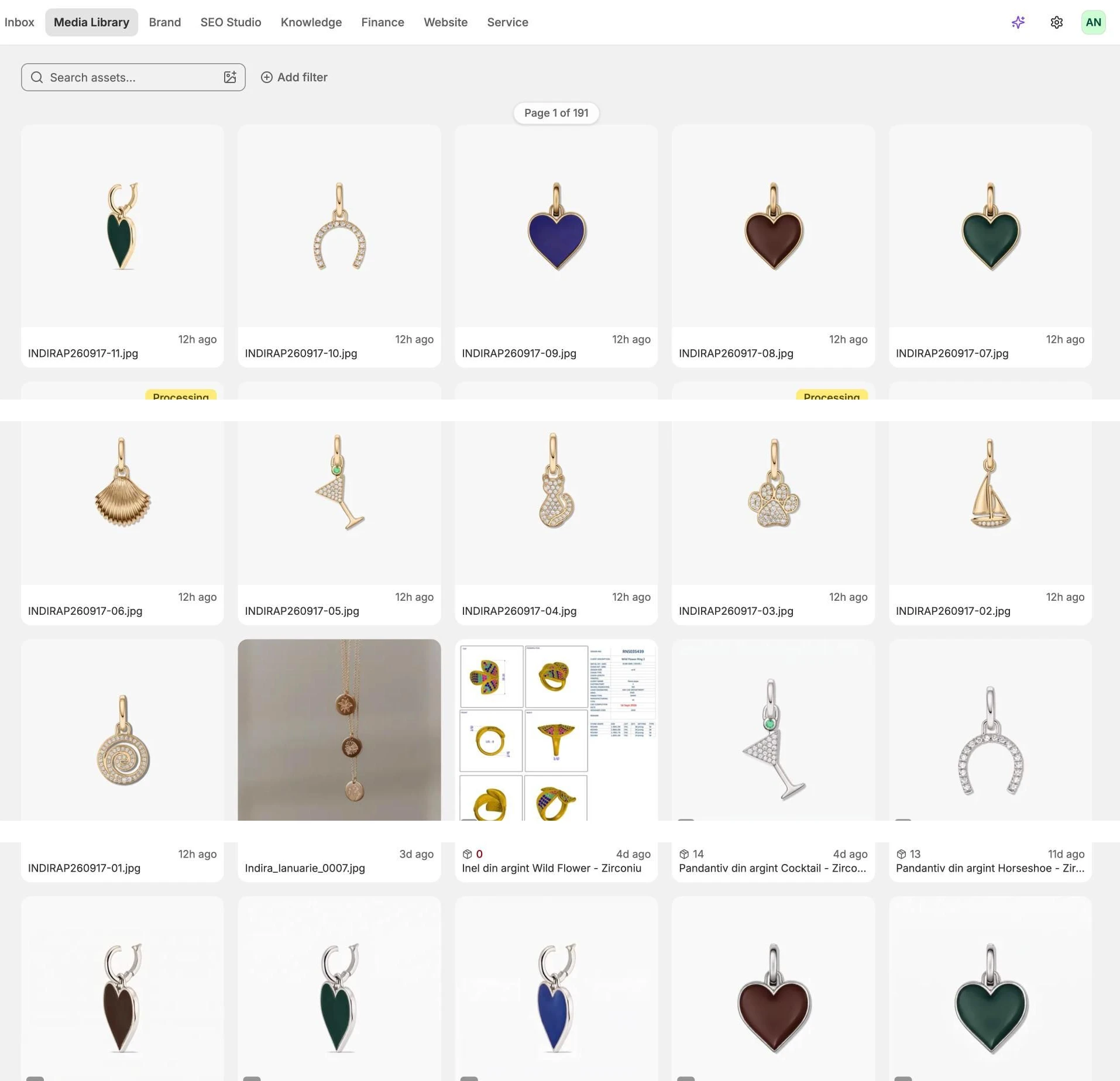
Product shots, model photos, videos and campaign images in one library. Opvelo tags each one as it arrives, links it to its product and finds it when you describe what you need.
Every app runs on the same orders, stock and customers, so each one picks up the others' work as soon as you add it.
Free
New products written from their photos and translated into every store language.
Coming soon on the Shopify App Store
From €19 / month
Blog articles researched on real search data, in your brand voice.
Coming soon on the Shopify App Store
From €19 / month
Your Opvelo email campaigns and social posts on one calendar.
Coming soon on the Shopify App Store
Book a demo and we'll walk you through it with your own products and orders.